TJIS - Review Batch Contents
Summary
Use review Batch Contents to view a status report and detailed description of TJIS batch contents
Interfaces
TJIS
Review Batch Contents
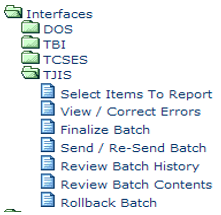
Step 1: Select Process.
From the main menu, under TJIS, select Review Batch Contents.
Step 2: Search for Batch
Enter a batch ID and tab. Select batch from the search result list.
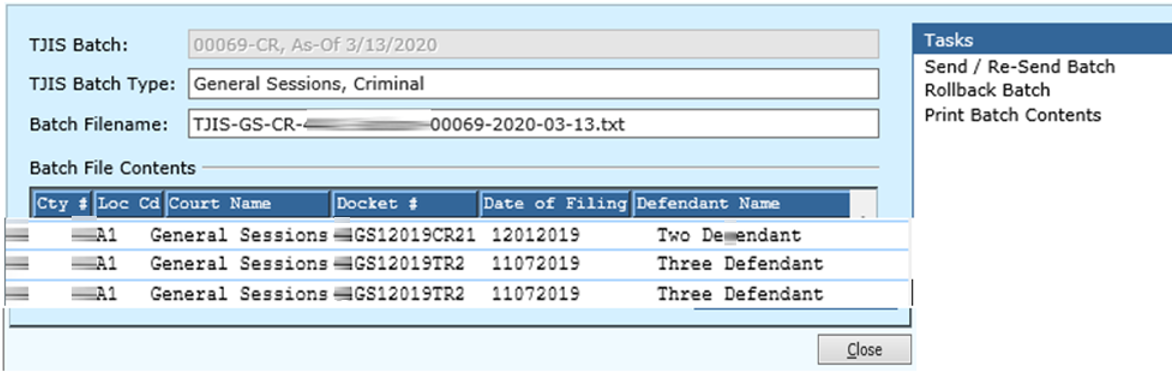
Step 3: Review batch contents
Clerk can review the batch contents listed or perform tasks.
To exit click Close.
Rev. 04/07/2021