Restarting an End of Day Process
Summary
If an End of Day process must be restarted for any reason (i.e., another receipt needing to be included or check run etc.), take the following actions to restart the process.
Step 1:
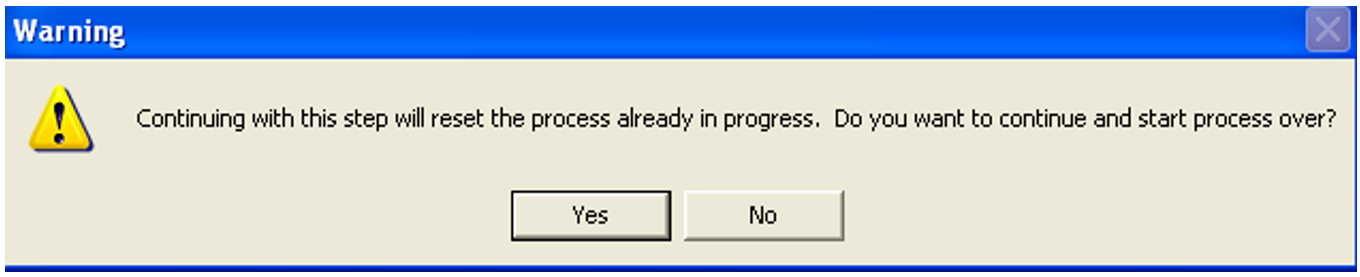
Click the select receipts link and you will receive the below warning. Click yes for this warning.
Step 2:
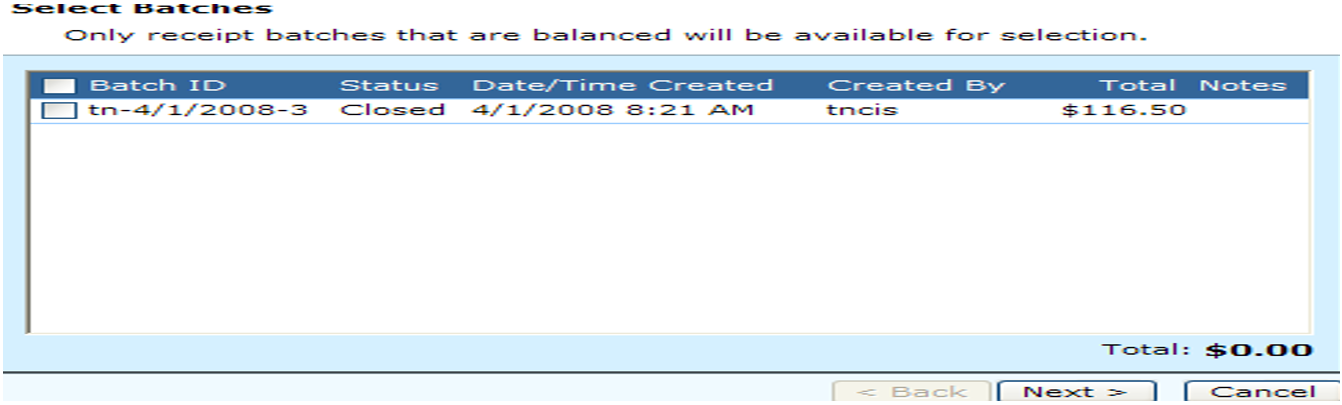
Next, Uncheck the batch that you want to remove/reopen from the end of day process. Click Next.
Step 3:
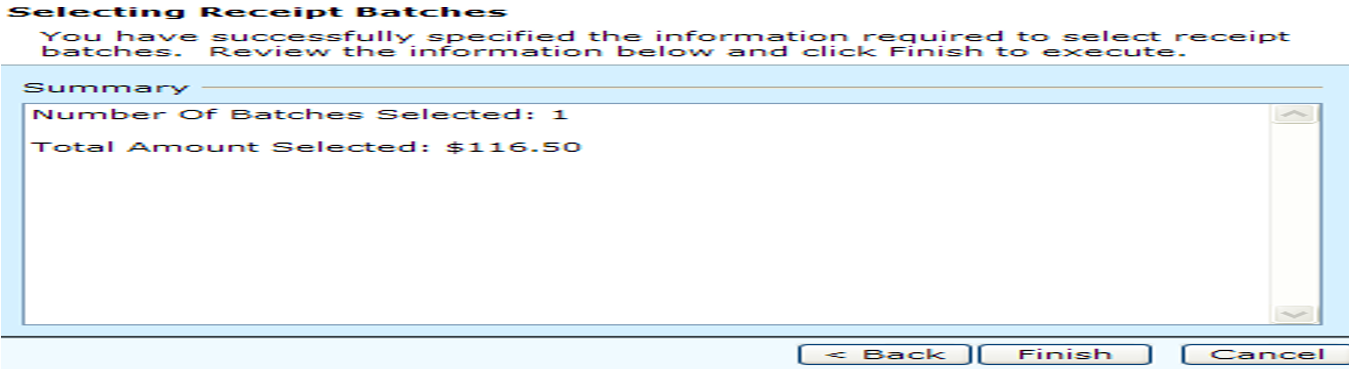
Click finish to confirm the unselected batch.
Step 4:
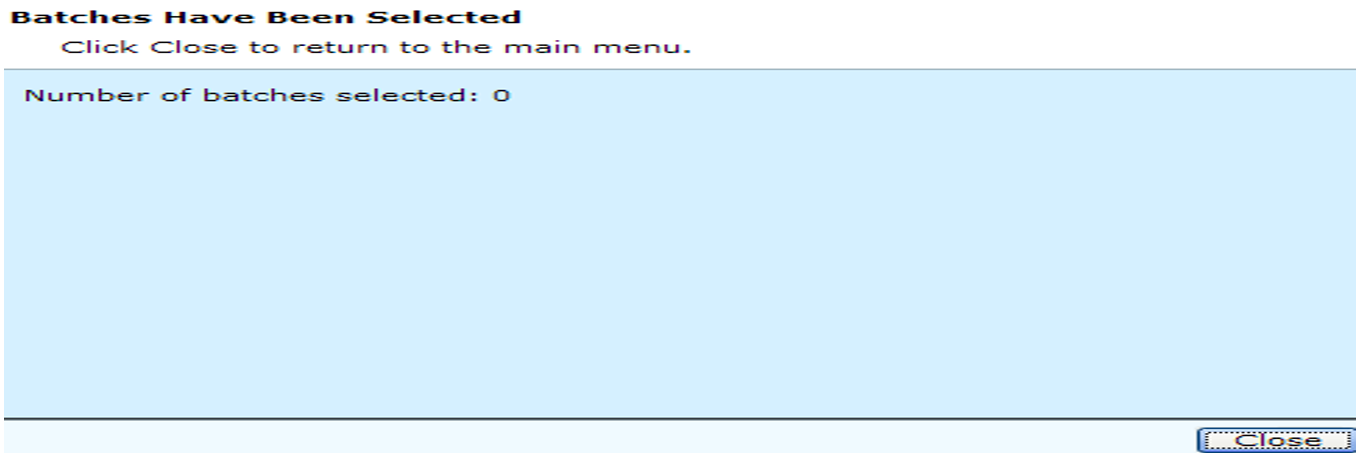
Click close on this screen.
Step 5:
Click yes to remove the process so that necessary changes can be made, and the process can be restarted.
Rev. 03/30/2021